

Deciding Together
What to actually look for in a furniture wishlist app for couples
Most of these apps are built for one person's Pinterest board, not two people trying to agree on a sofa, here's what the good ones get right
Deciding Together
Six free wishlist tools people actually use, what each one gets right, and where it falls short if you're furnishing a home together


Search for “wishlist app” and almost everything that comes back is built for one specific moment: a birthday, a wedding registry, a Secret Santa draw. Most do that one thing well. None were made for the slower, less occasion-shaped job of two people picking furniture for a home together.
Six options are covered below, including the one designed specifically for that slower job. Each gets a plain best-for verdict rather than a score out of ten, since the honest answer is usually about fit rather than quality. A couple are things you've probably already used, just never thought of as wishlist tools.
Best for: gathering visual inspiration before you've decided on anything
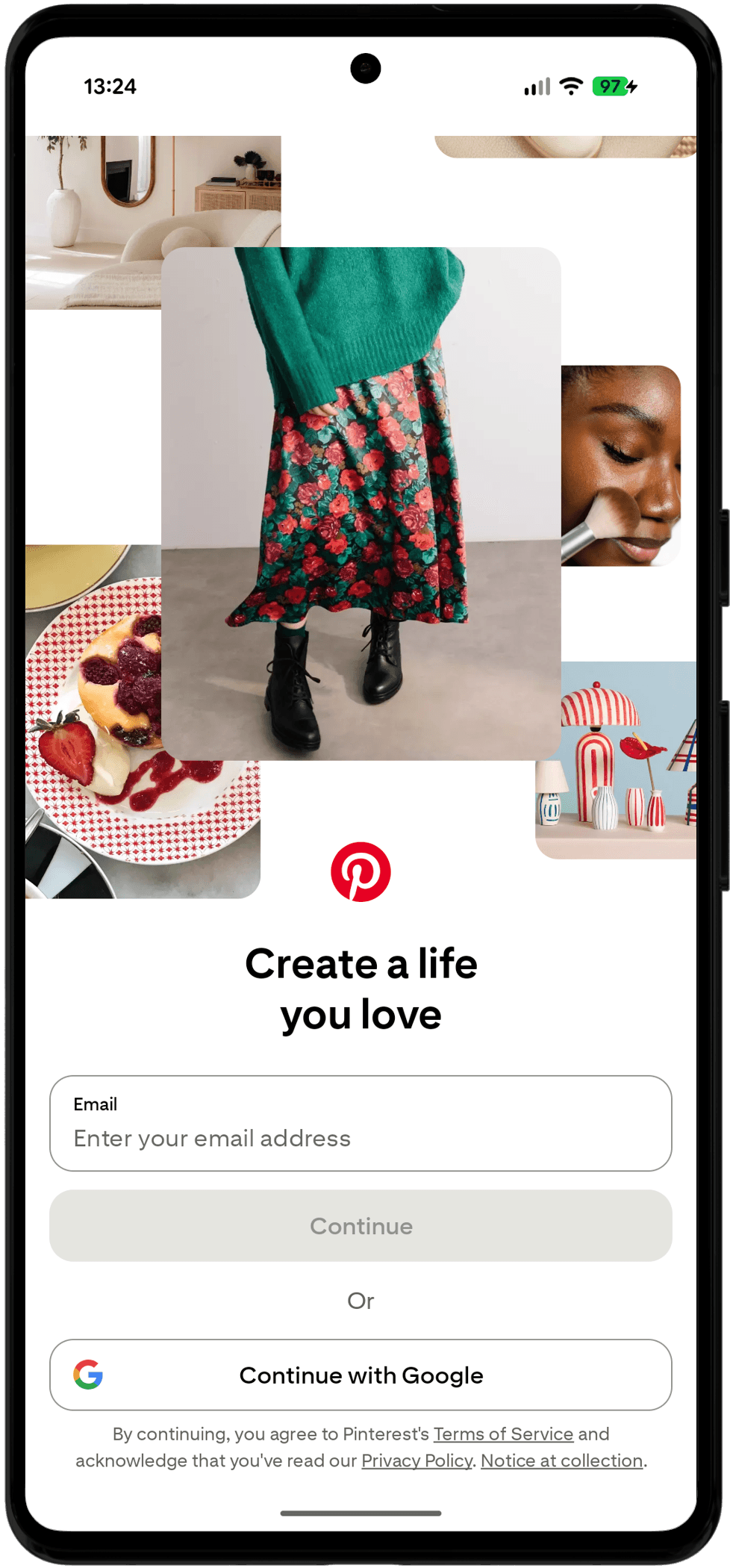
A visual board for saving and organising images you like.
A Pinterest board remains one of the most common places people first collect furniture they like, and it's free to use as one. You can save images straight from a retailer's site and keep them in a board either of you can add to.
Where it stops helping is the moment you've moved from inspiration to a decision. There's no price attached to what you've saved, no way to register a genuine yes or no from each of you, and no sense of which room anything belongs in.
Pinterest does have secret boards, so you can keep one private between the two of you rather than public, but it's fundamentally a mood board. Nothing on it distinguishes “we're getting this” from “this was nice to look at once”, and the algorithm keeps surfacing more of the same long after you've made up your minds.
If a mood board is all you need for now, Pinterest earns its place.
Best for: furnishing or moving into a home together
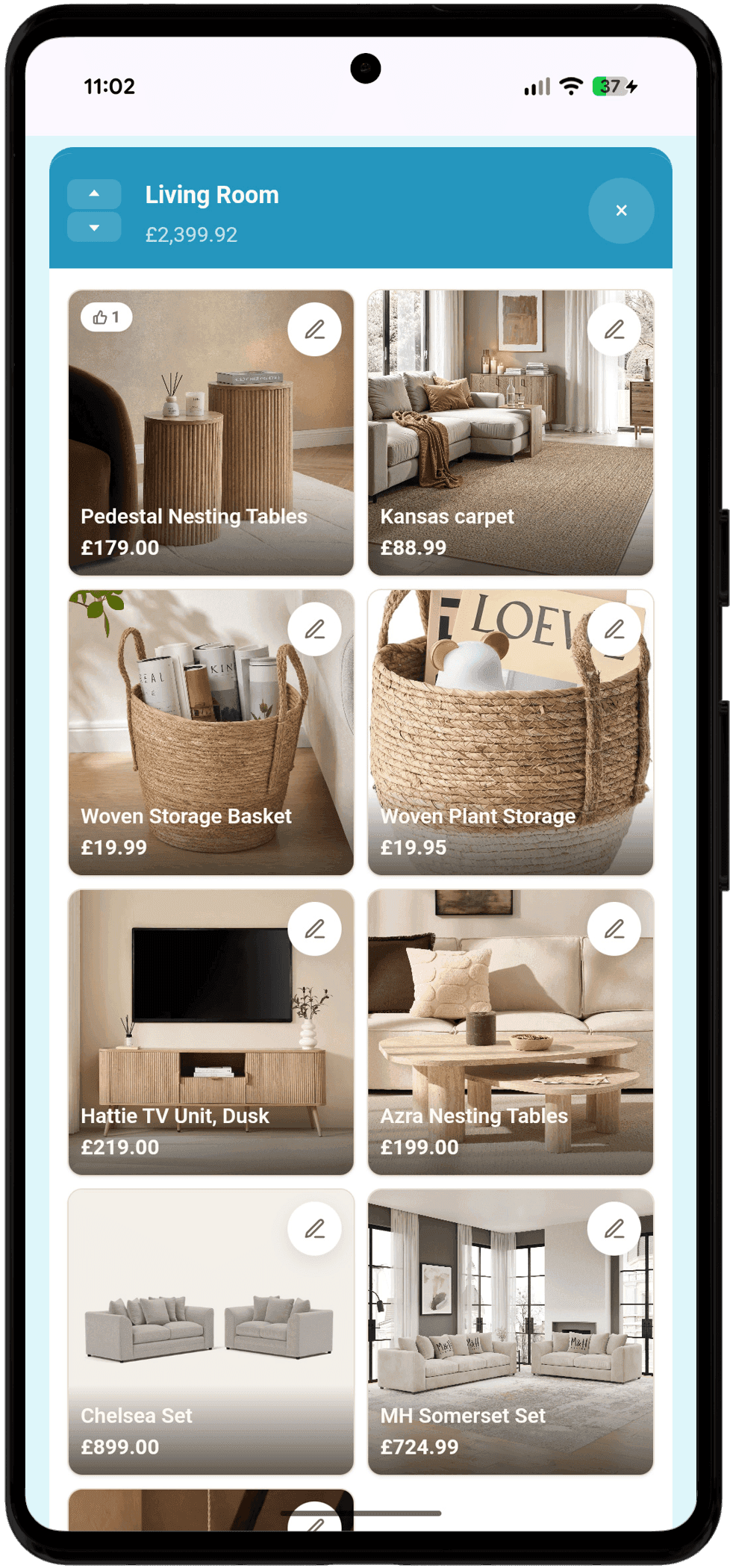
Each room keeps its own running total as you add to it.
Furnish Together is a furniture wishlist app for couples, aimed at the specific problem this whole post keeps circling back to: furnishing a home is a two-person decision, not a one-person save.
Couples are just the common case. Roommates splitting a flat, a family furnishing a first home together, or one person furnishing solo who still wants everything organised by room, all of it works the same way, since nothing about the tool actually depends on there being exactly two of you.
It holds the price next to the item, organises everything by room, and gives each of you an independent yes, no or maybe on every single thing, so a disagreement shows up clearly instead of getting smoothed over. No account, no card details, just one link you both use. See the full feature list if you want the specifics, or look around an example furniture wishlist to see one filled in.
Because it's a link rather than an account, sharing access works the same way as sharing anything else: paste it into a message and you're both in. That matters more than it sounds like it should, since a fair amount of the friction with most of the other options here starts right at the invite step, before either of you has even looked at an item.
You can create your wishlist in under 30 seconds, no sign-up needed.
Best for: family gift-giving occasions like birthdays and Christmas
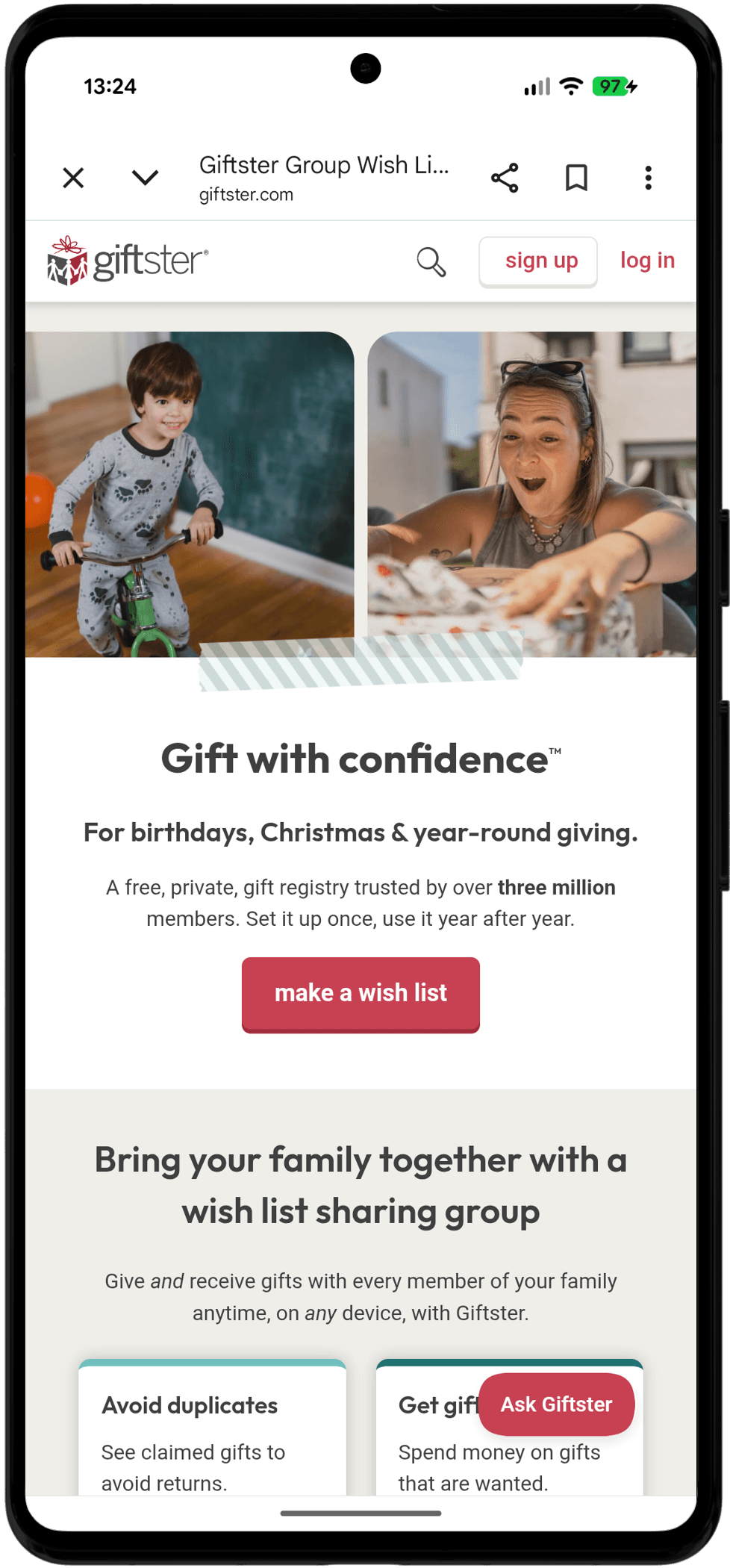
A gift registry for coordinating who's buying what within a group.
Giftster is built for family gift-giving, birthdays, Christmas, that kind of occasion, and it does that well: everyone can see what's already been claimed, so two relatives don't turn up with the same present.
The free plan caps you at two lists, which is fine for gifts but tight the moment you're trying to track something as large and ongoing as furnishing a home.
The part people rely on is the coordination underneath the list itself: mark something as claimed and it's hidden from the person the gift is for, while everyone else buying can still see it's taken, and a basic budget tracker keeps a running total per person. None of that carries over cleanly to two people buying for themselves, since there's no one on the list who needs a surprise kept from them.
Giftster is worth a look for coordinating group gifts without duplicate presents.
Best for: group gift exchanges, like an office Secret Santa
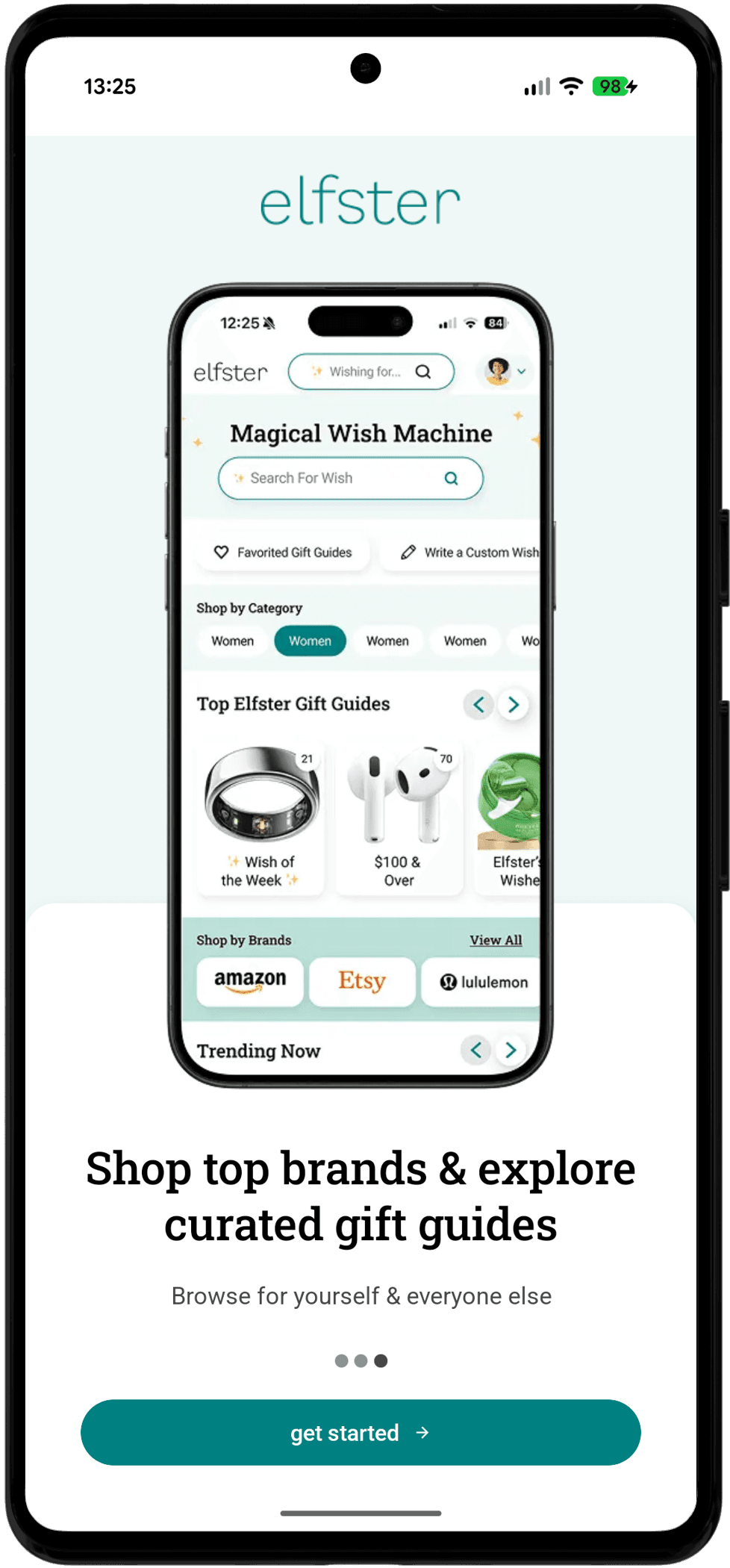
A gift-list and Secret Santa app with shop-by-category browsing.
Elfster is properly free, there's no paid tier hiding behind it, and it's centred on wish lists plus Secret Santa-style name draws, with a “mark as purchased” feature so nobody buys the same thing twice.
It's designed around a group exchange with a draw and a reveal date, not an open-ended shared list two people keep adding to and revisiting for months.
Its real strength is that name draw: put in a group of people and it randomly assigns who buys for whom, then keeps everyone's wish list hidden from the one person who shouldn't see it. That's a solid mechanic for a big family exchange, and a completely irrelevant one when it's just the two of you shopping for the same rooms.
If you need a proper Secret Santa draw, Elfster covers that free of charge.
Best for: anyone who doesn't want to install anything new at all

A note-taking app that supports shared, collaborative lists.
This is what a lot of couples reach for, because it's already installed and it costs nothing to try: share a checklist note with your partner as a collaborator, and you're both editing the same list in real time.
It's just a checklist, though. There's nowhere for a price to live, nowhere for a link to sit properly, and no way to register that you like something while your partner isn't sure yet.
You can drop a photo in alongside a line of text, and either of you can tick items off as you go, which is more than a plain text thread manages. What it can't do is hold a price as its own field, so any number you type in is just more text sitting next to a name, easy to type wrong and just as easy to skim straight past later.
A shared Google Keep note does the basics, with nothing new to install.
Best for: saving items from lots of different retailers in one place
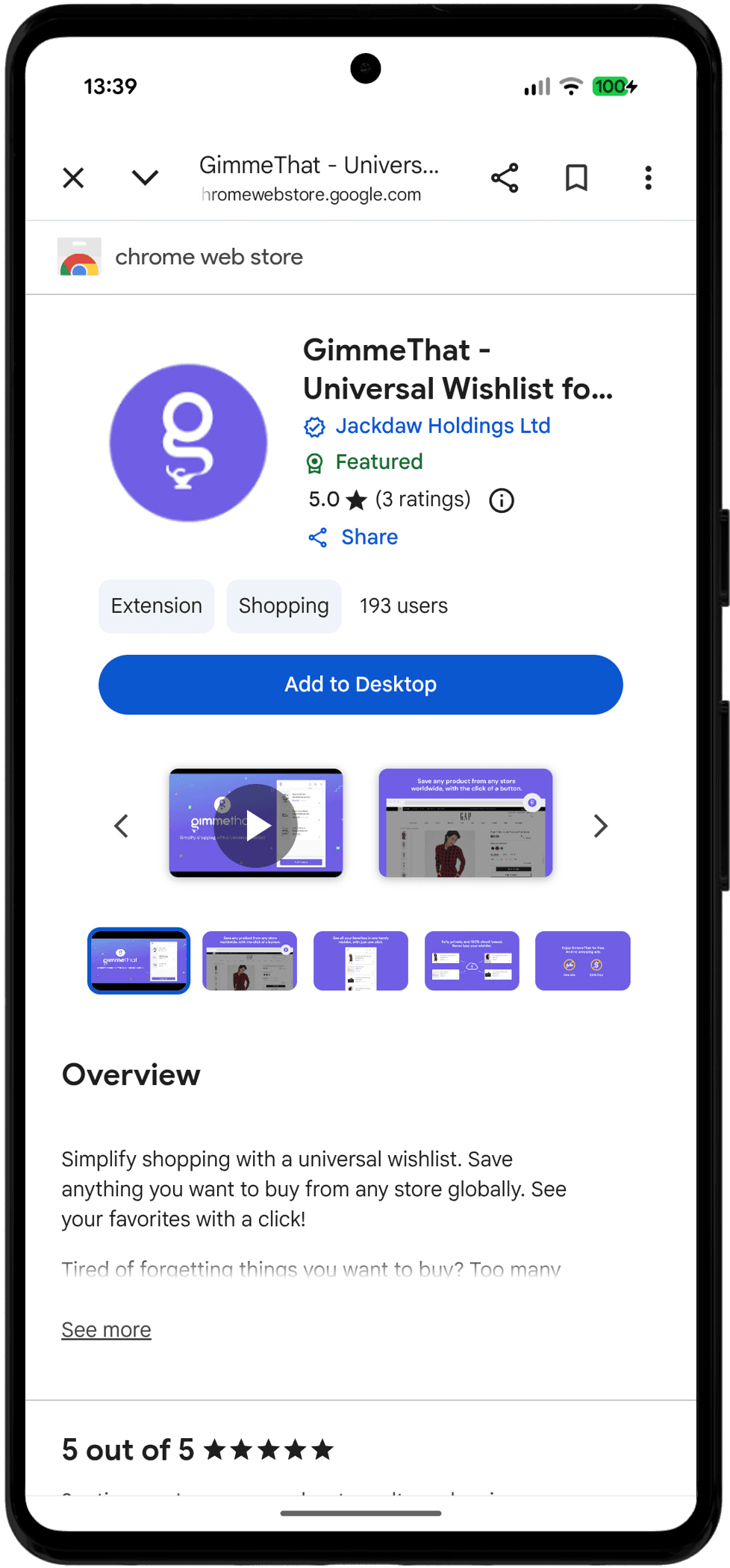
A browser extension for saving items from any online store.
Tools like this, GimmeThat is one example, sit in your browser and let you save an item from any shop you're browsing into one running list, which is the thing an Amazon-only wishlist can't do the moment you're buying from more than one retailer.
Most of these are Chromium-only, so it depends on which browser you're both using, and like the tools above, saving something isn't the same as agreeing on it.
In practice they add a small button to the toolbar that grabs the page you're looking at, so saving takes one click. What lands in the list afterwards is still a flat feed in the order you found things, the same limitation Google Keep has, just with better photos.
GimmeThat handles that well: save from anywhere you shop, into one running list.
Yes. Pinterest, Elfster and Furnish Together are all free outright, with nothing to upgrade to. Giftster's free plan caps you at two lists, and most universal-save browser extensions are free for personal use.
Furnish Together, since it's the only one built around two people deciding together rather than one person saving things or a group coordinating gifts.
Everything else here does a different job well and this one badly, or vice versa.
As a mood board, yes, and plenty of people do. It has no price field, no way to register a genuine yes or no from each of you, and nothing that tells “we're getting this” apart from “this was nice to look at once”.
A gift registry, like Giftster or Elfster, is built around someone else buying you a surprise, so it hides what's been claimed from the person the gift is for.
A couples' wishlist has no one to keep a surprise from: both of you need to see everything, which is the opposite requirement.
Yes, share a note as a collaborator and you're both editing it in real time, free of charge. It's just a checklist though, with nowhere for a price to live as its own field and no way to register that one of you likes something while the other isn't sure yet.
Most don't, Pinterest, Giftster, Elfster and Google Keep all rely on you typing a number in yourself, if there's anywhere to put it at all.
Furnish Together pulls the price straight from a pasted Amazon link, so it stays attached to the item rather than becoming a stale note next to it.
A universal-save browser extension, like GimmeThat, comes closest: it saves an item from any shop you're browsing into one running list. What lands there afterwards is still a flat, unsorted feed, the same limitation a Google Keep note has.
Usually, yes, Pinterest, Giftster and Elfster all want a sign-up before you can start. Furnish Together is the exception here: creating a list hands you a private link straight away, and that link is what gets you and your partner back in.
Most of these apps are built for one person's Pinterest board, not two people trying to agree on a sofa, here's what the good ones get right

Different tastes, one budget and one sofa: how couples agree on furniture without it turning into a row, from setting the budget first to voting separately

A realistic order to buy things in, so you're not sleeping on a mattress on the floor for a month while you argue about a coffee table